
How it works
Scan. Pick a song. Take the mic.
Bandeoke runs like a great gig with a queue you can actually see. Here's what happens from your seat to the stage.
- 01
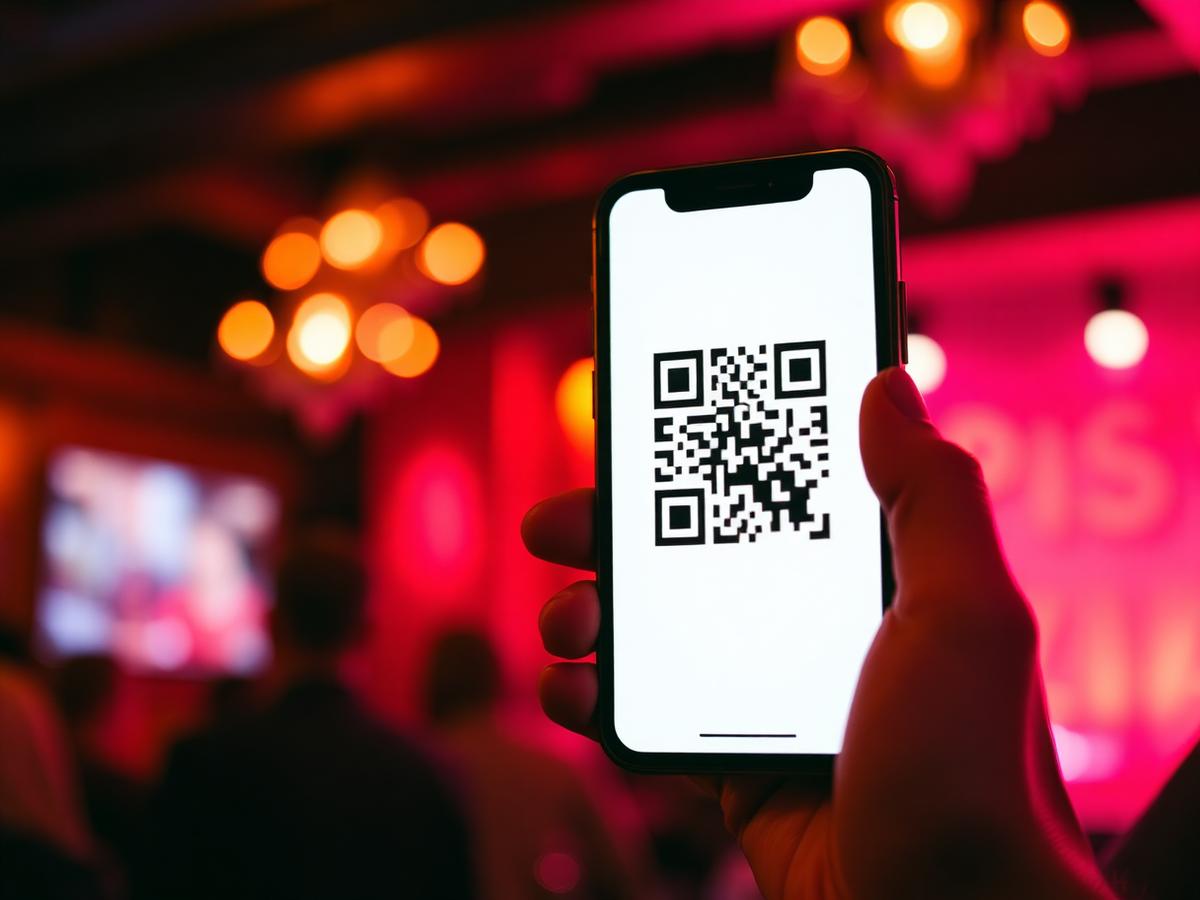
Scan the QR
Every table has one. Open your camera, tap the link, you're in the queue app.
- 02
Submit your name + song
Browse the band's catalogue, pick a tune, drop your name. You'll see your position update live.
- 03
Wait — at the bar, not in line
We message you (or wave from the stage) when you're up next so you can enjoy the night.
- 04
Step up. Sing.
Lyrics on the on-stage screen. The band counts you in. You're the star for three minutes.
Inside the app
Software that makes the whole night easier to run.
Swipe through the tools your host, your band and your guests get from the moment doors open to the final encore.
Guest experience
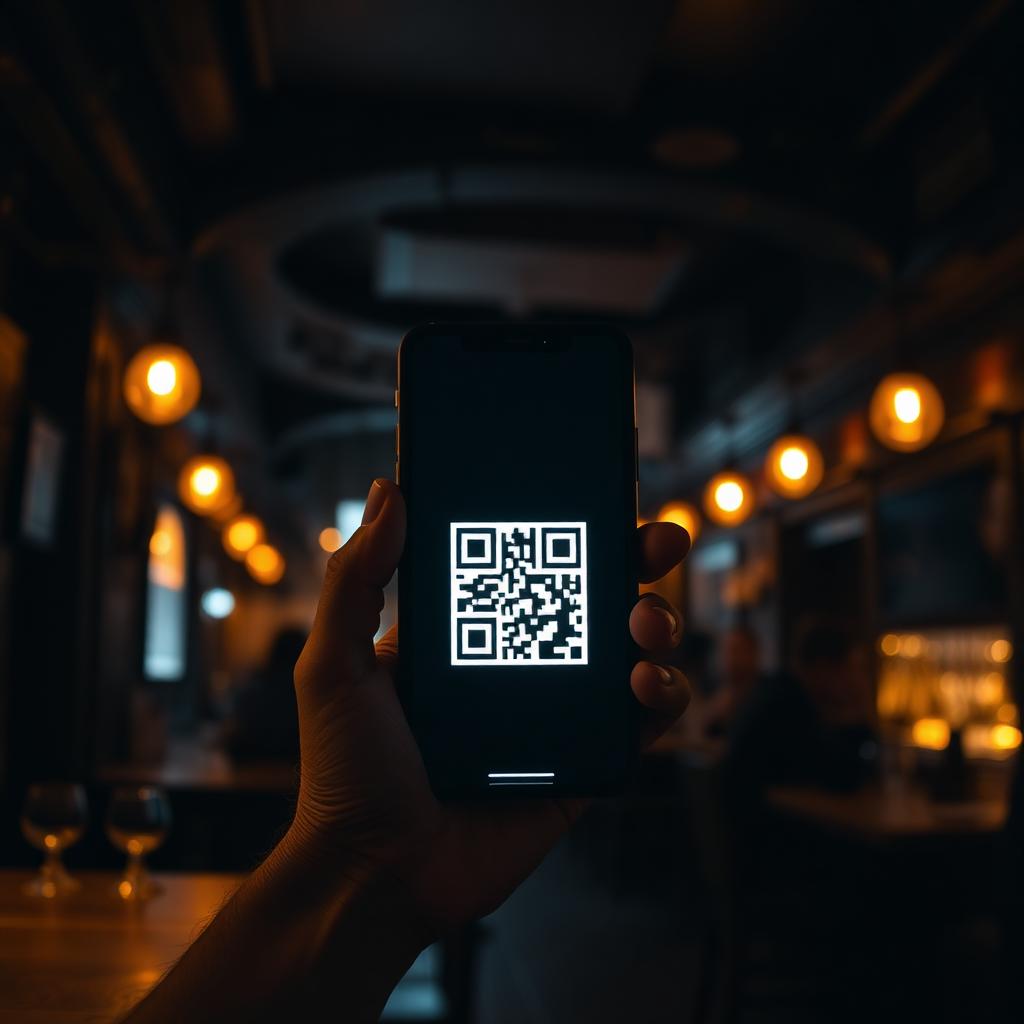
Scan and sing — no app store
Guests scan a QR at the table and the queue opens in their browser. No downloads, no accounts, no friction. Works on every phone in the room.
Live queue
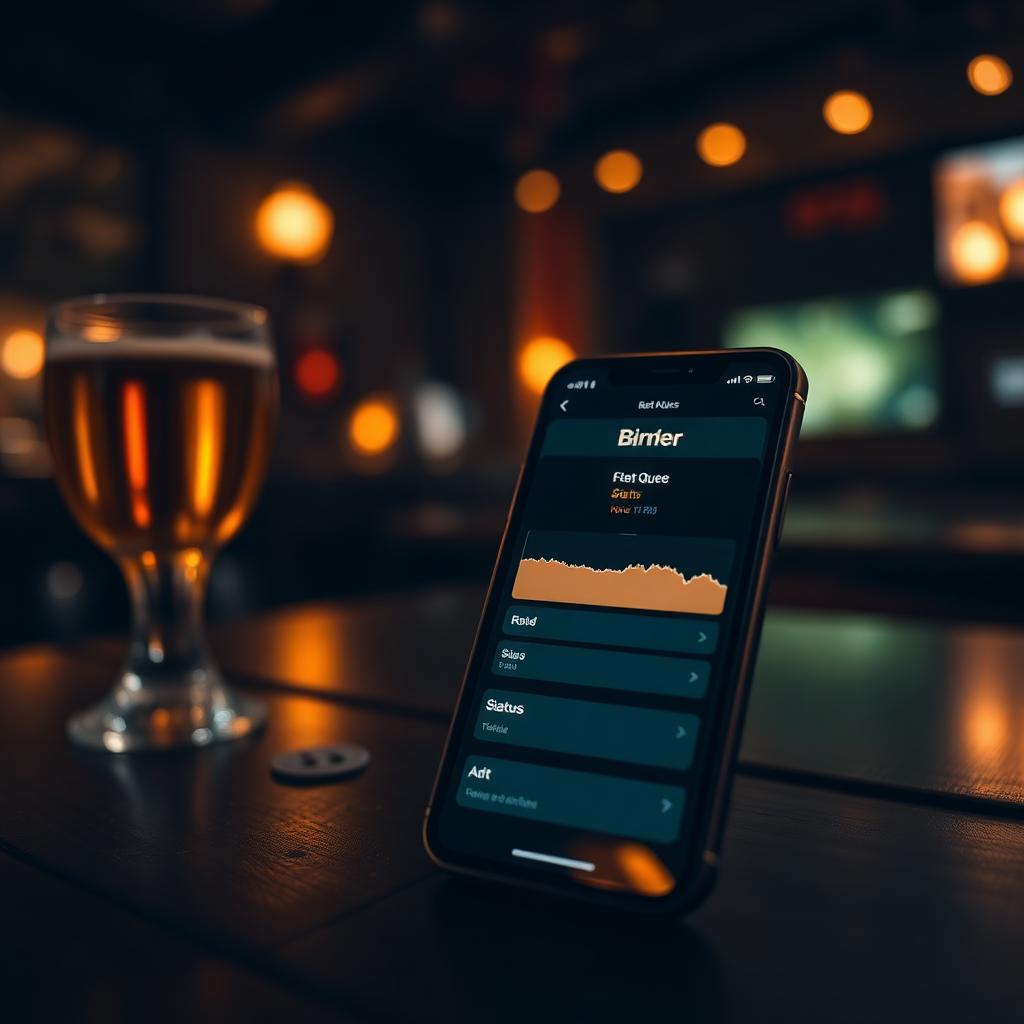
They wait at the bar, not in a line
Real-time status cards show pending → queued → up next → on stage, with in-app toasts and an optional WhatsApp ping the second they're called.
Smart submissions
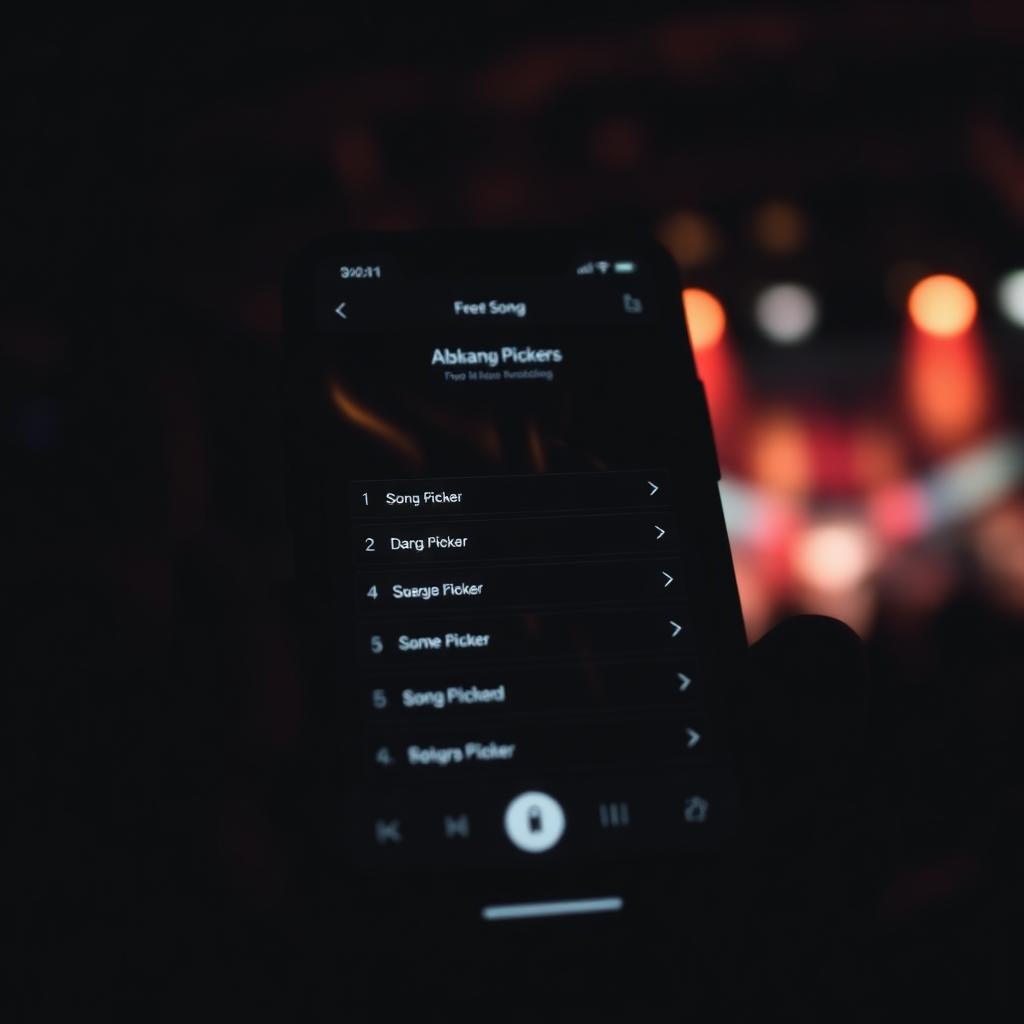
Guard-rails that protect the night
Two-song cap per guest, duplicate-song guard, and a configurable cooldown that quietly hides songs you've just played. Less host admin, fewer awkward repeats.
Host control
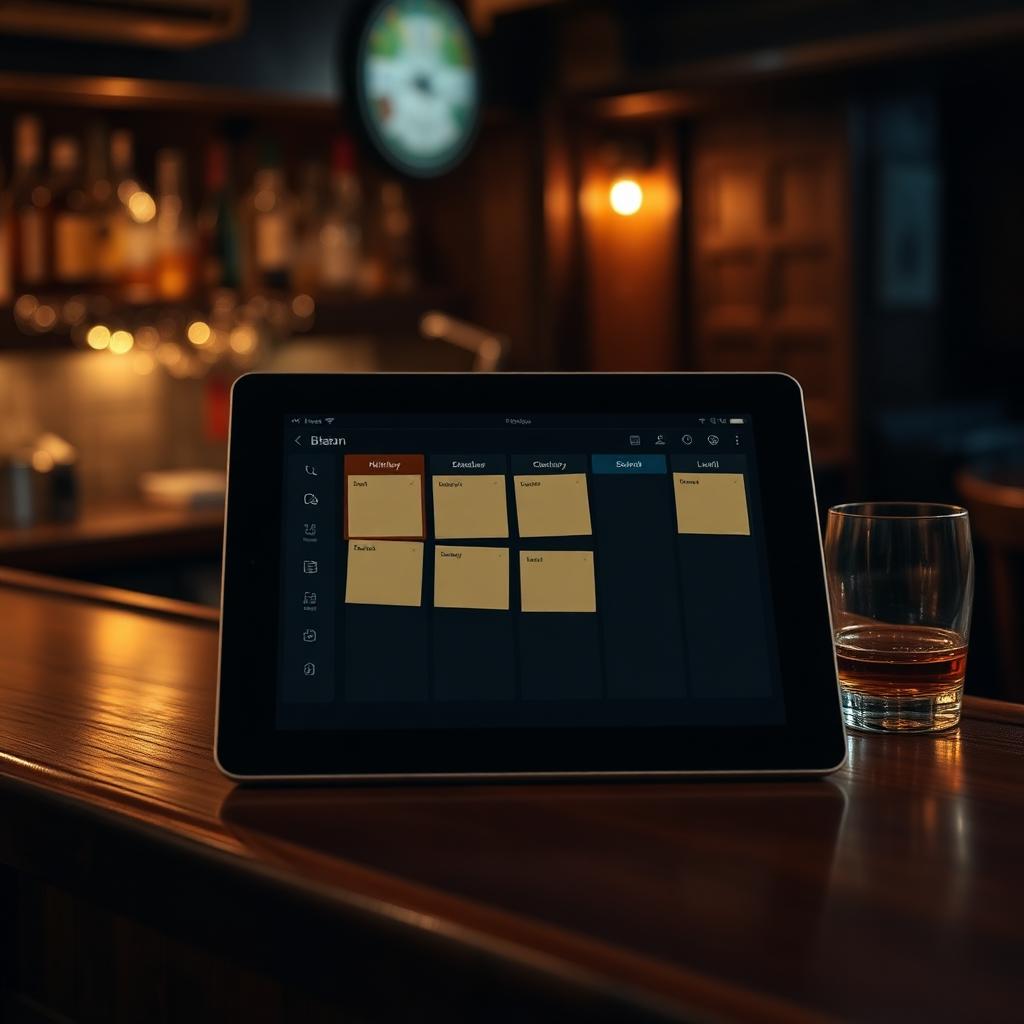
A Kanban board built for a busy bar
Submissions, queue, stage and past — all in one view. Tap to accept, decline with a reason, reorder, set Up Next, or drop in a walk-up singer in seconds.
Time budget
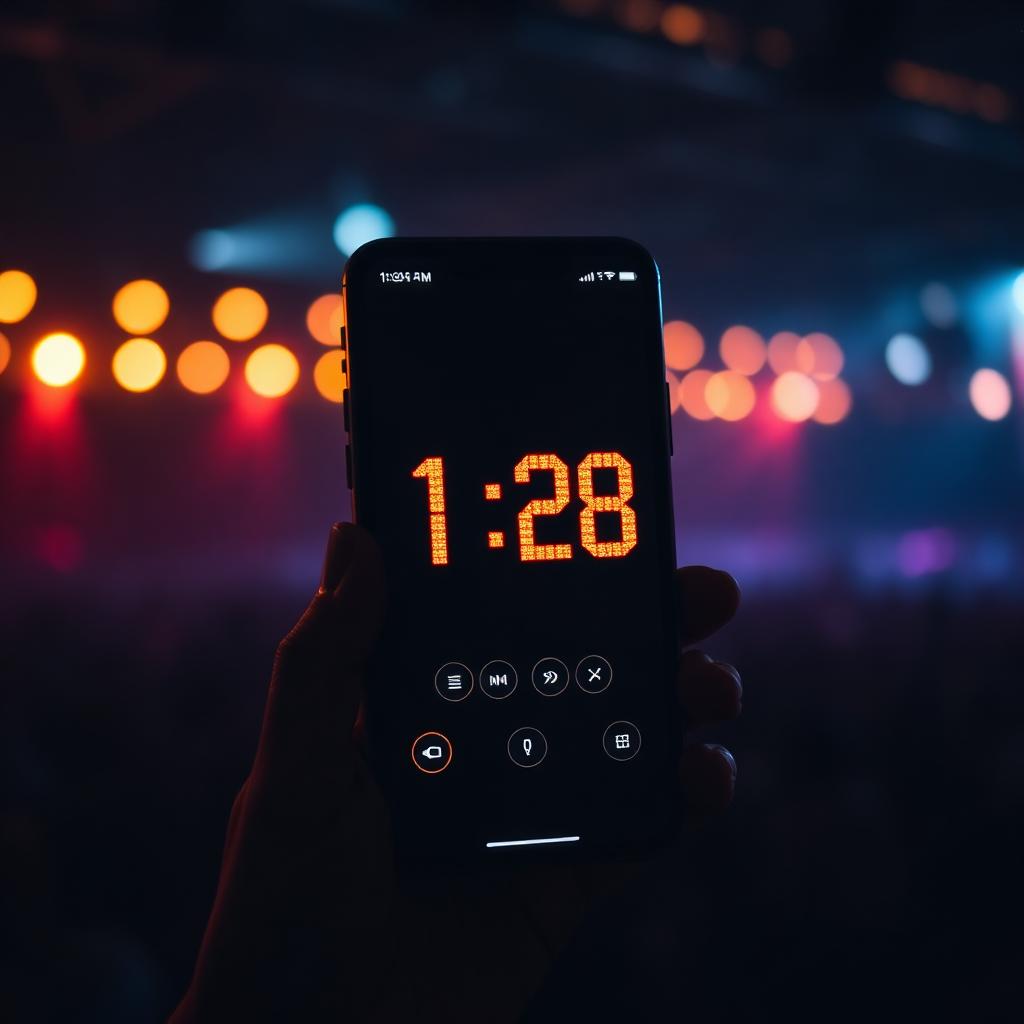
End on time, every time
Set a finish time and the app counts down, warns when the queue won't fit, auto-closes submissions, and gives you a one-tap +15 extend when the room is hot.
WhatsApp built in
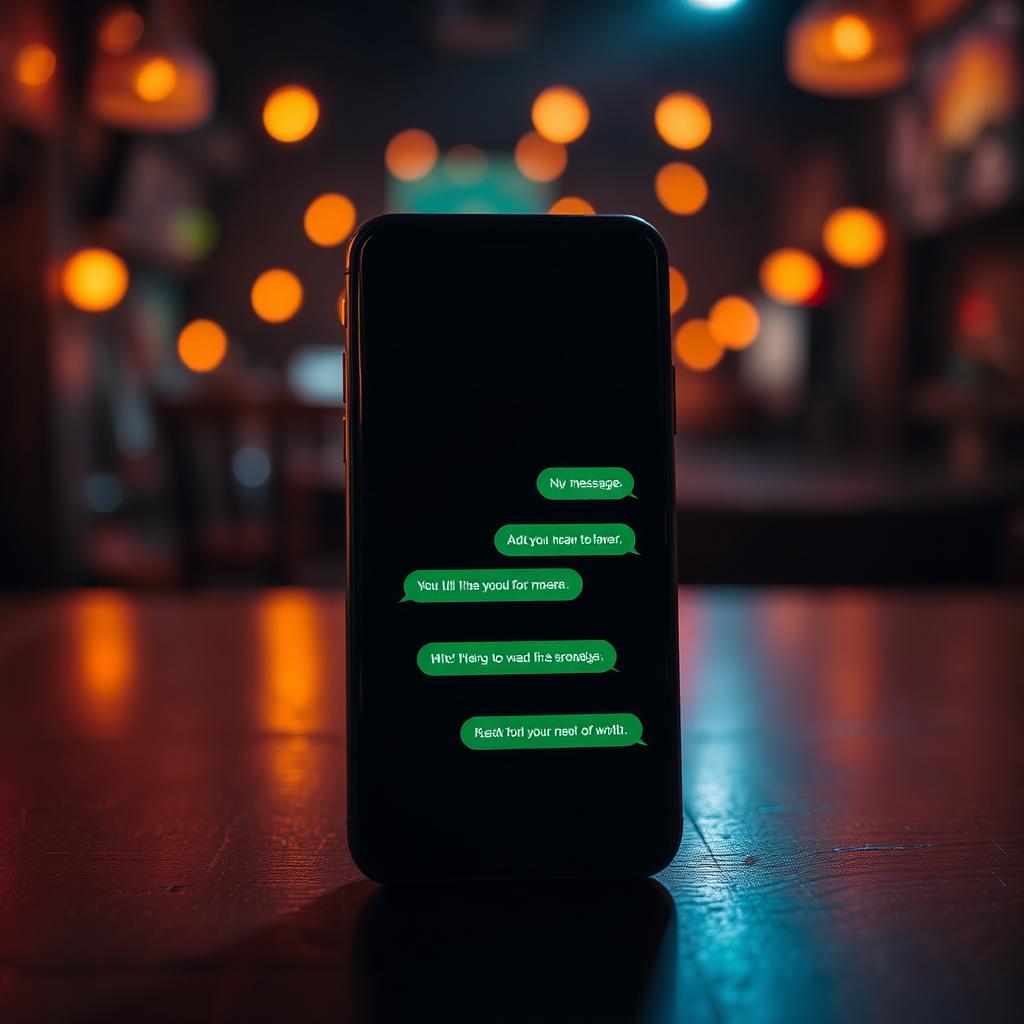
Messages that keep the room moving
Editable templates for approved, up next, declined and session-closed. Plus one-tap blasts to tonight's crowd — or every marketing opt-in across past nights.
Handset mode
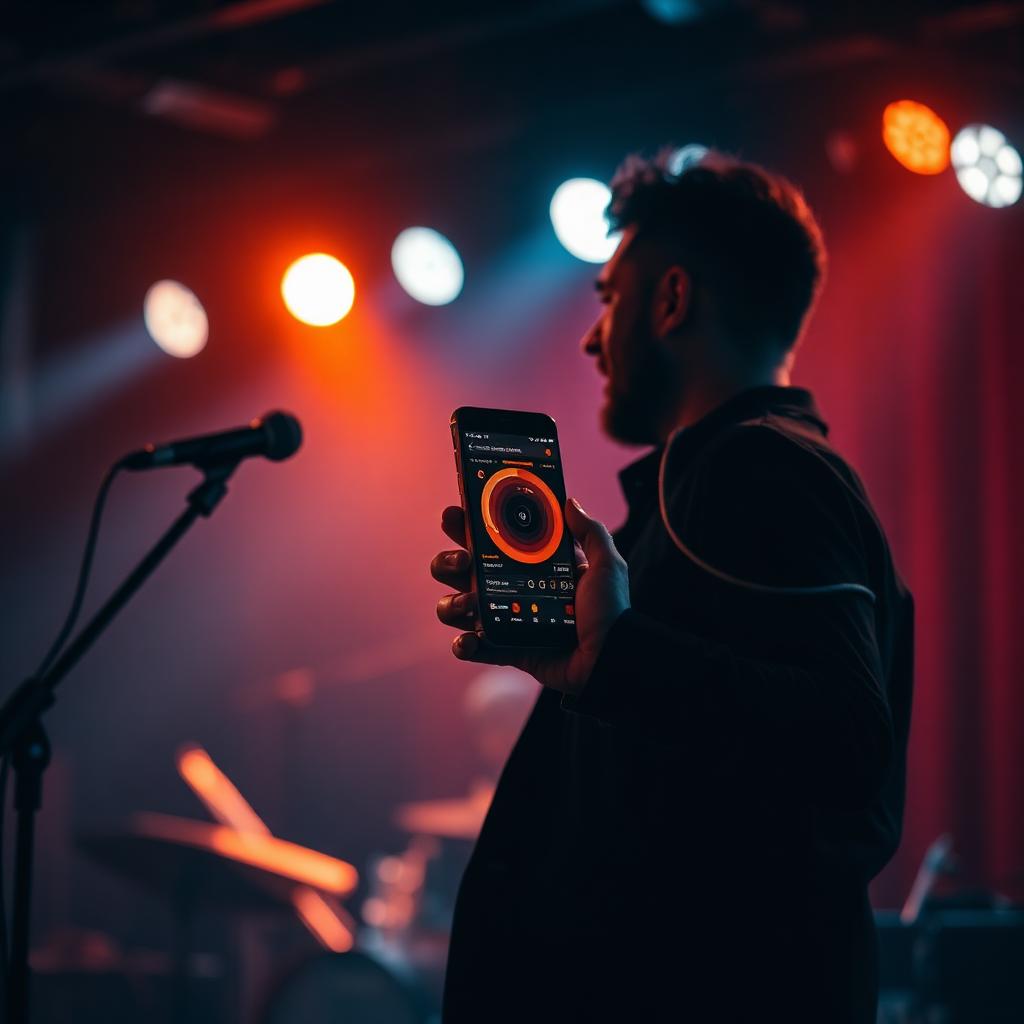
Run the floor from your phone
A dedicated mobile UI for the host on the move — reorder the queue, advance the next singer, add a walk-up, all without a laptop on stage.

Venue admin
CRM, CSV export and promo slots
Every submission, opt-in and message logged. Export to CSV, run a custom WhatsApp blast, and slot promo images above or below the guest form to upsell the night.
Quick questions
- Do I need to download an app?
- No. Scan the QR with your phone camera and it opens in the browser. That's it.
- What songs can I sing?
- A curated list the band actually plays well — typically 200+ crowd-pleasers across rock, pop, indie and classics. You'll see the live catalogue when you scan.
- Will the band send me lyrics?
- Yes — lyrics appear on the on-stage screen so you can sing without holding your phone.
- What data do you collect?
- Just your name and the song you submit. Nothing else. See our privacy page for the full detail.
- Can I sing with friends?
- Absolutely — submit one name and bring a chorus. We do duets all the time.
Want it at your venue?
Tell us about your room and we'll put together a night that fits.
Pitch your venue →